⏱️OS-Marathon
Benchmarking Computer-Use Agents on Long-Horizon Repetitive Tasks
Jing Wu1, *
Daphne Barretto2
Yiye Chen3, *
Nicholas Gydé2
Yanan Jian2, ‡
Yuhang He2
Vibhav Vineet2
1University of Oxford 2*Work completed during an internship at Microsoft
‡Work completed during employment at Microsoft
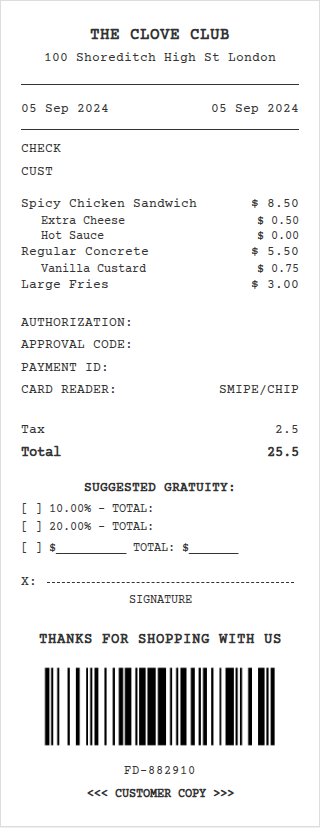
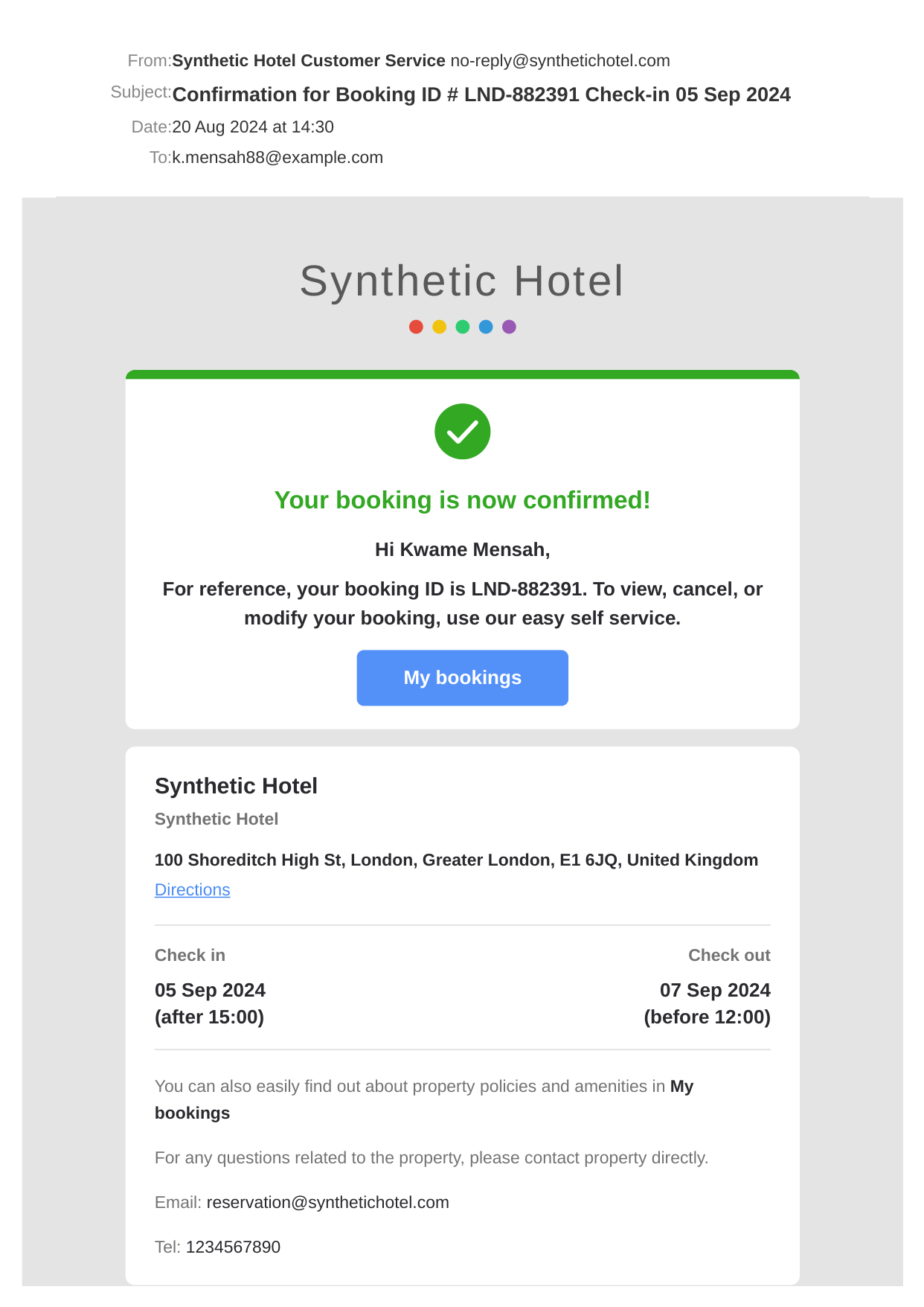
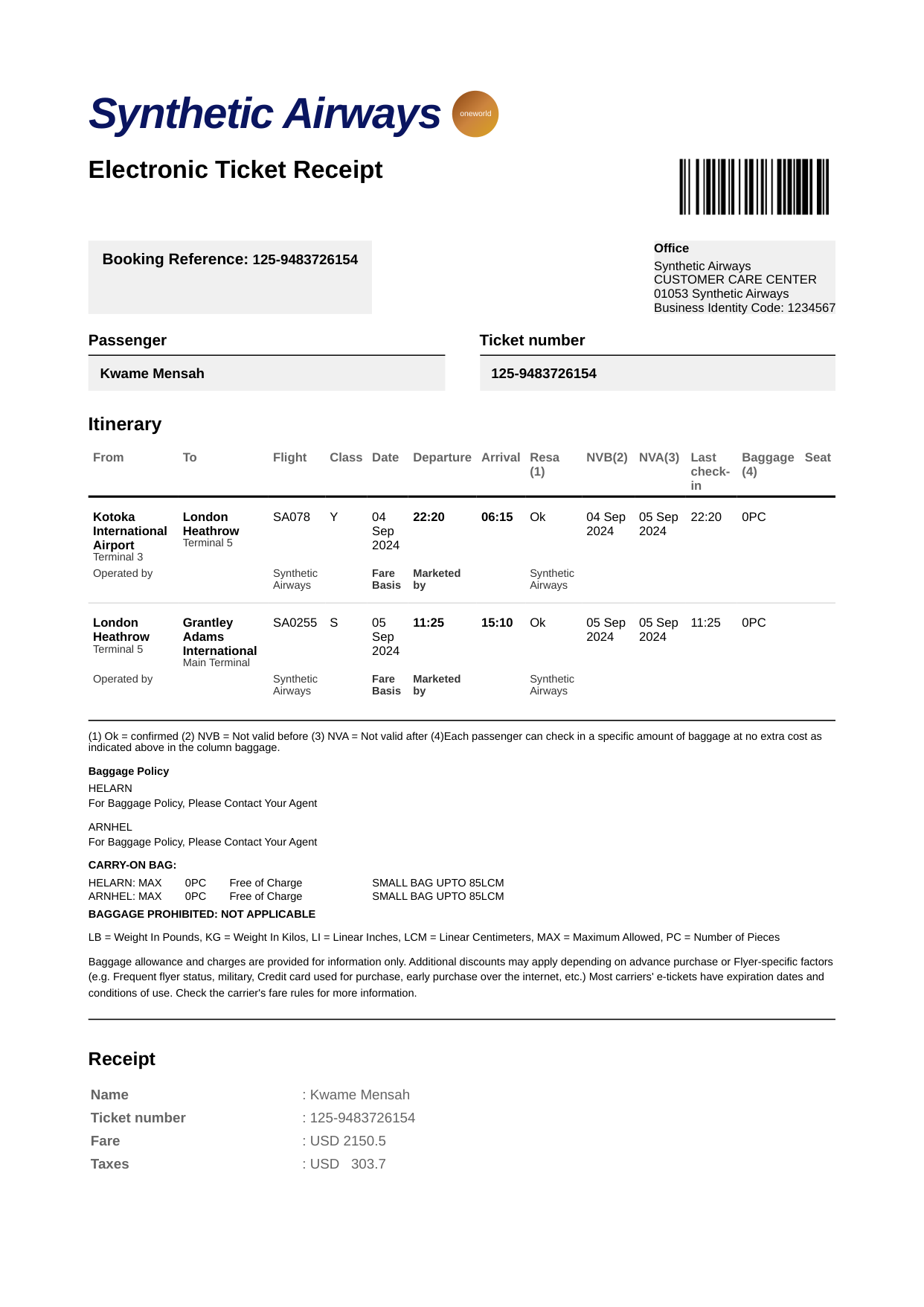
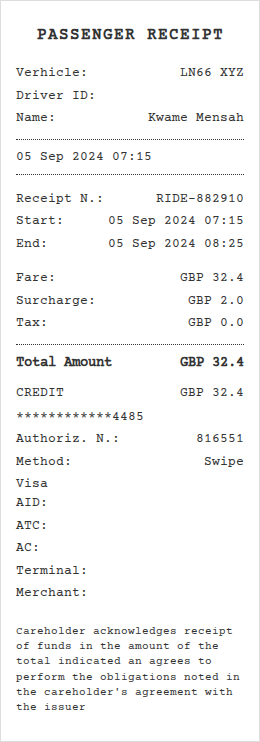
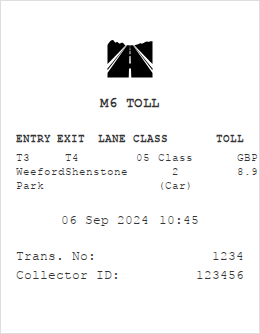
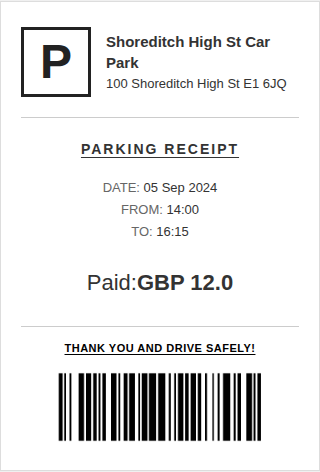
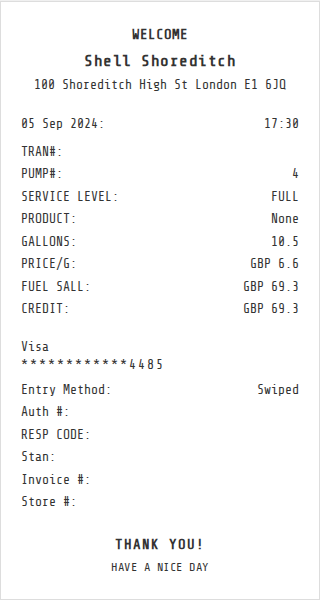
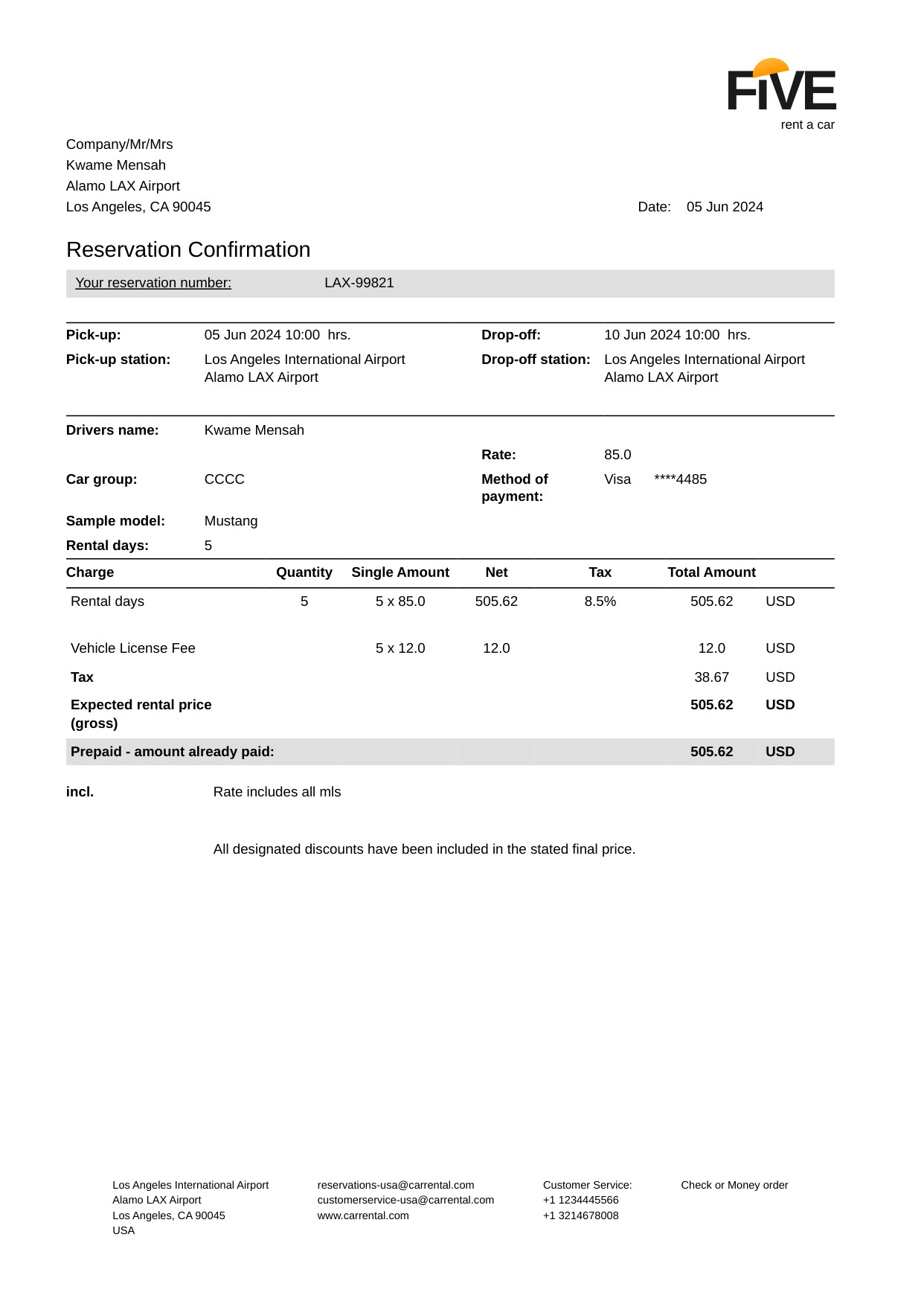
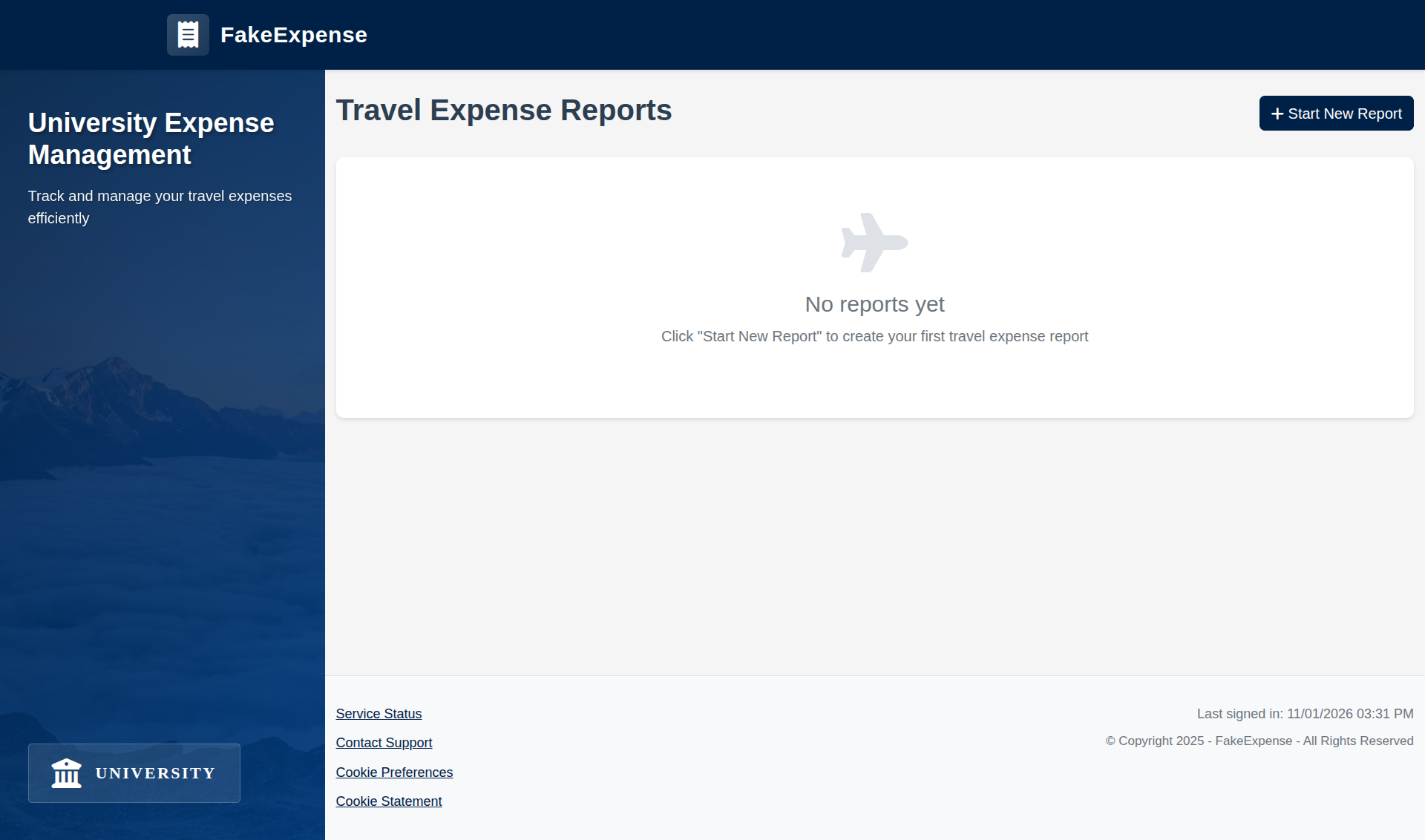
🤔 Can computer-use agents help to do these long tasks?
OS-Marathon targets long-horizon, repetitive tasks.
✨ News & Updates
- 1/29/2026: Paper released on arXiv.
- 1/28/2026: Website released.
💡 Key Takeaways
We identify three key challenges for computer-use agents on long-horizon, repetitive tasks:
- Logical Incoherence: Agents fail to comprehend the underlying logic of sub-workflows, often executing tasks in an incorrect sequence.
- Hallucination: Agents frequently hallucinate when attempting to populate system fields.
- Long-horizon Inconsistency: Agents fail to plan the full iterative trajectory required to complete the overall workflow.
📑 Abstract
Long-horizon, repetitive workflows are common in professional settings, such as processing expense reports from receipts and entering student grades from exam papers. These tasks are often tedious for humans since they can extend to extreme lengths proportional to the size of the data to process. However, they are ideal for Computer-Use Agents (CUAs) due to their structured, recurring sub-workflows with logic that can be systematically learned. Identifying the absence of an evaluation benchmark as a primary bottleneck, we establish OS-Marathon, comprising 252 long-horizon, repetitive tasks across 2 domains to evaluate state-of-the-art (SOTA) agents. We then introduce a cost-effective method to construct a condensed demonstration using only few-shot examples to teach agents the underlying workflow logic, enabling them to execute similar workflows effectively on larger, unseen data collections. Extensive experiments demonstrate both the inherent challenges of these tasks and the effectiveness of our proposed method.
🚀 Task Workflow Visualization
We visualize the execution process of two tasks from the expense report and transcript domains to illustrate the complete workflow. Use the controls to switch between examples.
📊 Statistics of the Benchmark
Detailed Statistics
| Domain | Levels | Difficulty Level Criteria | #Execu Env | #Task | Task Scalable? | |
|---|---|---|---|---|---|---|
| #Receipt | Include Multi-Page Doc? | |||||
| Expense Reporting | L1 | 5 | 5 | 30 | ||
| L2 | 5 | 30 | ||||
| L3 | ~15 | 50 | ||||
| L4 | ~30 | 50 | ||||
| #Doc Column | #Doc Page | |||||
| Transcript Recording | L1 | 1 | 1 | 2 | 18 | |
| L2 | 2 | 1 | 30 | |||
| L3 | / | >1 | 34 | |||
🖥️ Execution Environment Visualization
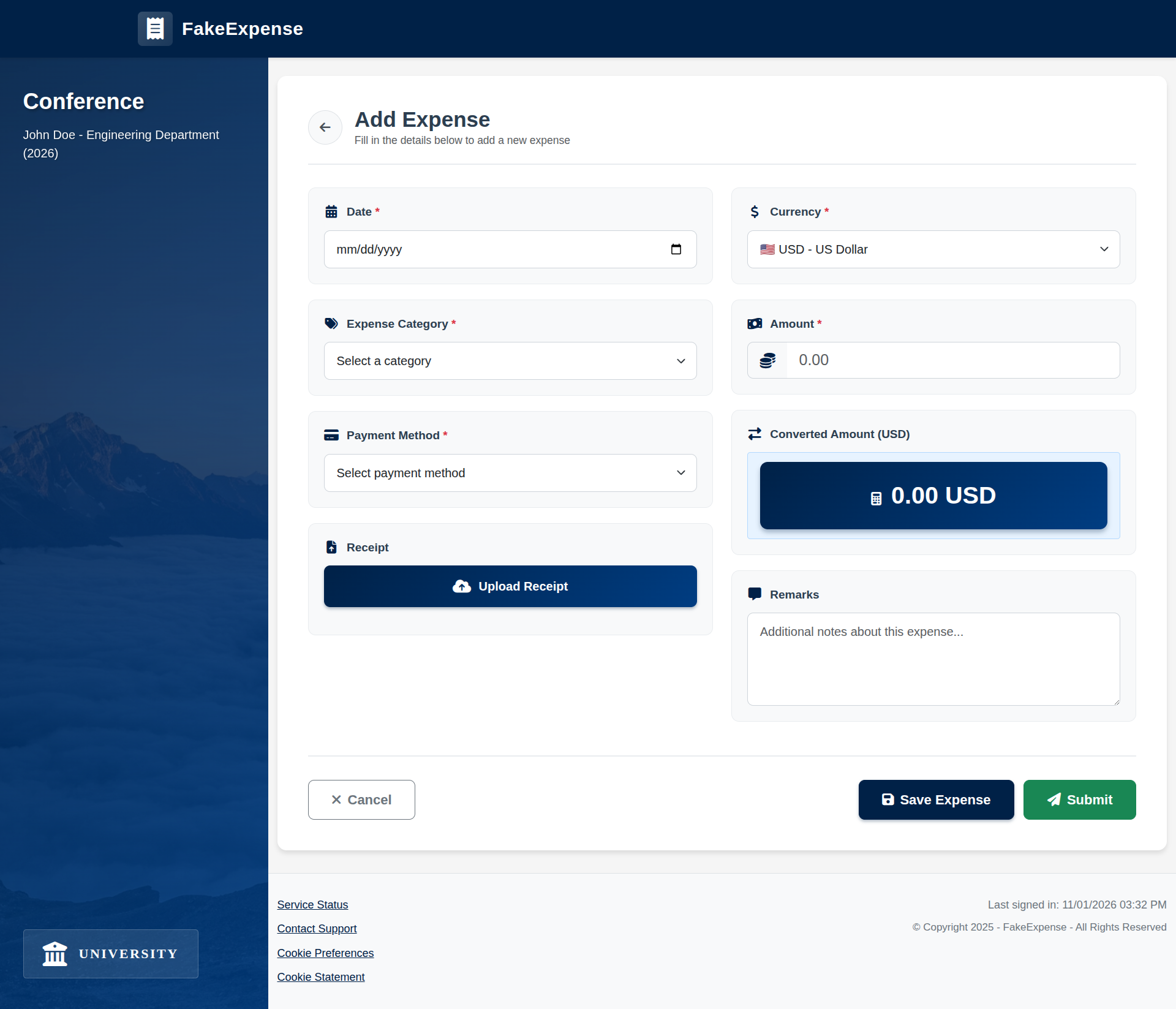
We visualize the execution environment for the tasks. Note that this illustration is for conceptual purposes only, and the data shown may differ from the data used in practice.
University Expense System Environment
Corporate Expense System Environment
GPA Calculator System Environment 1
GPA Calculator System Environment 2
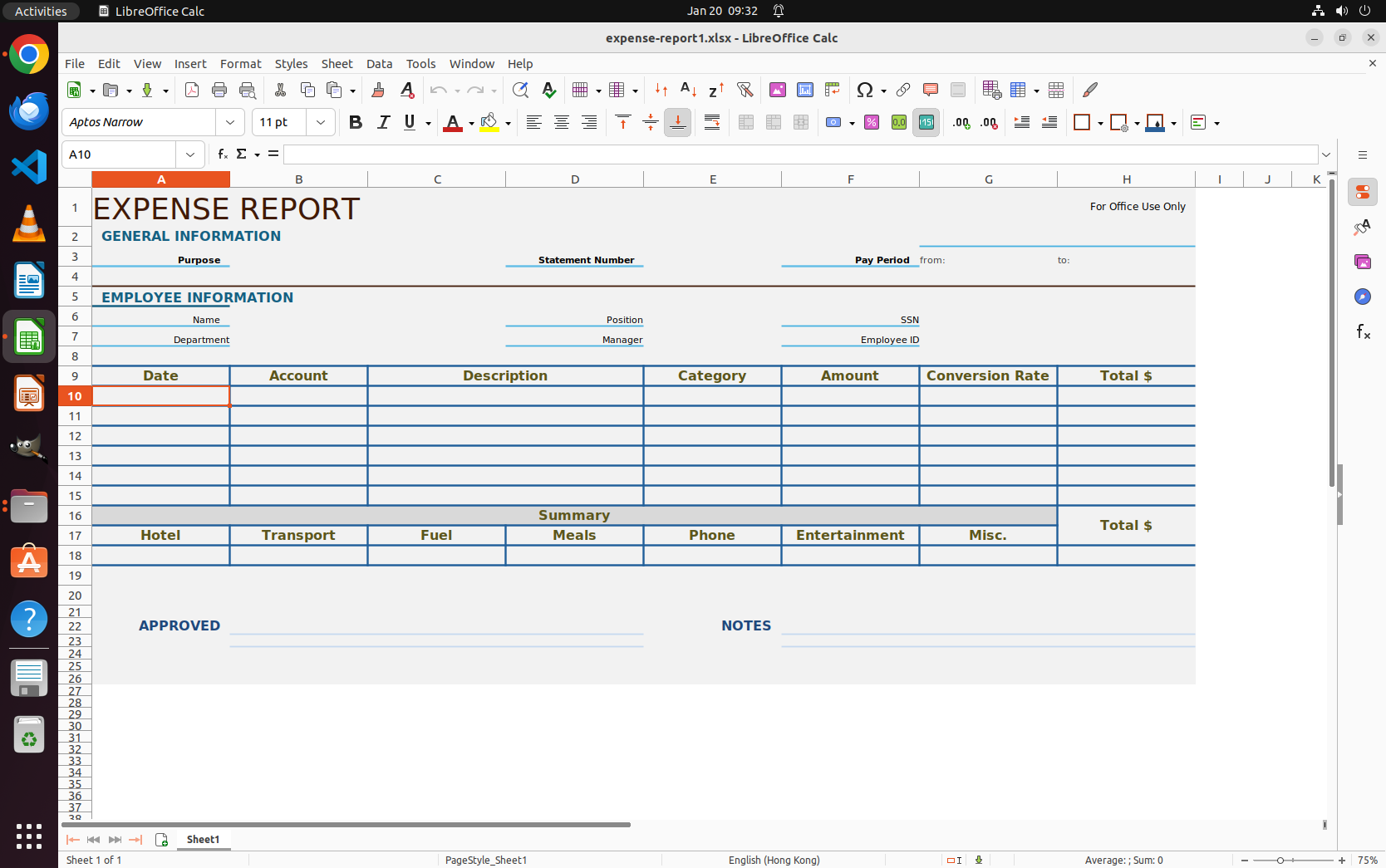
Corporate Expense Spreadsheet Environment 1
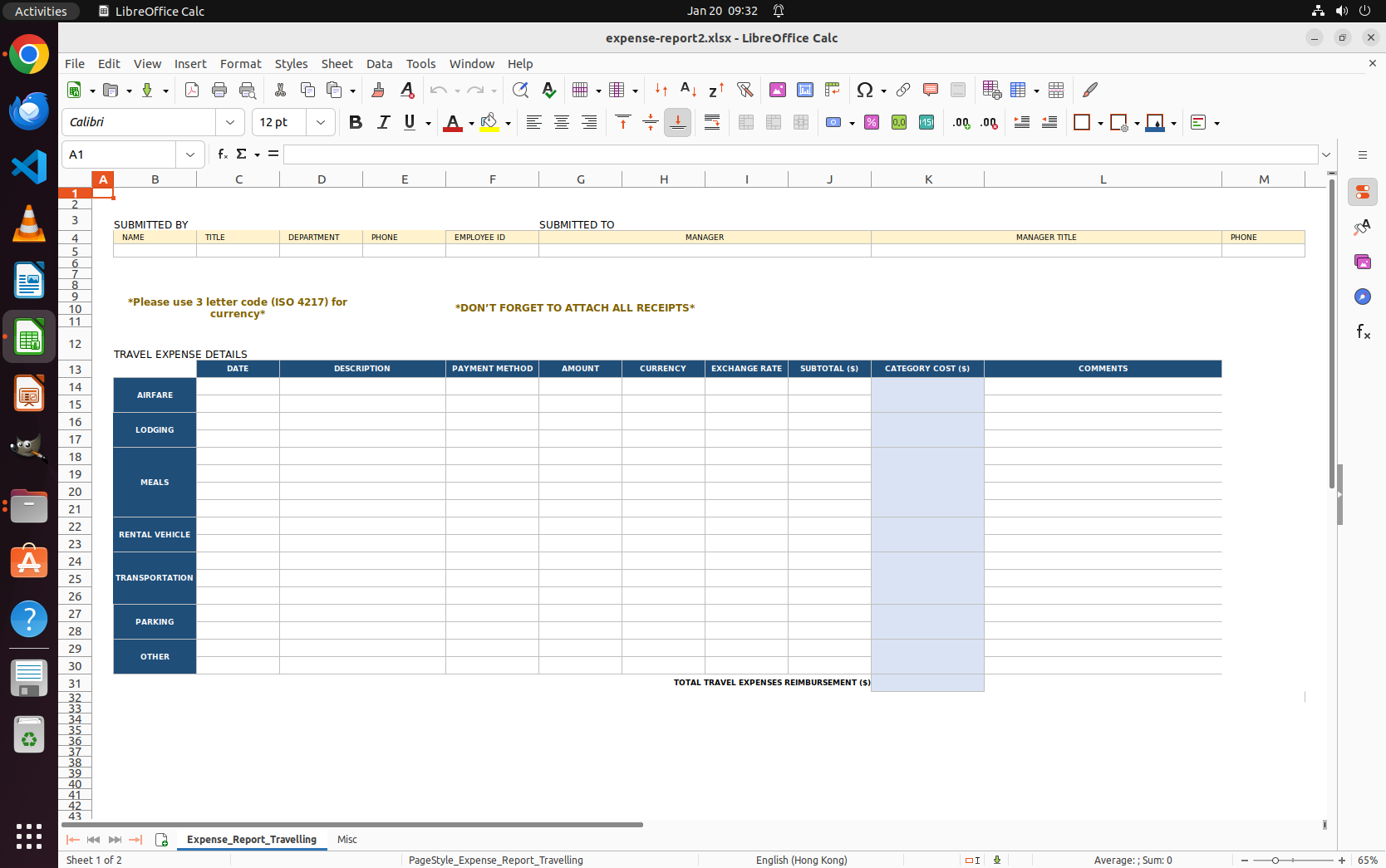
Corporate Expense Spreadsheet Environment 2
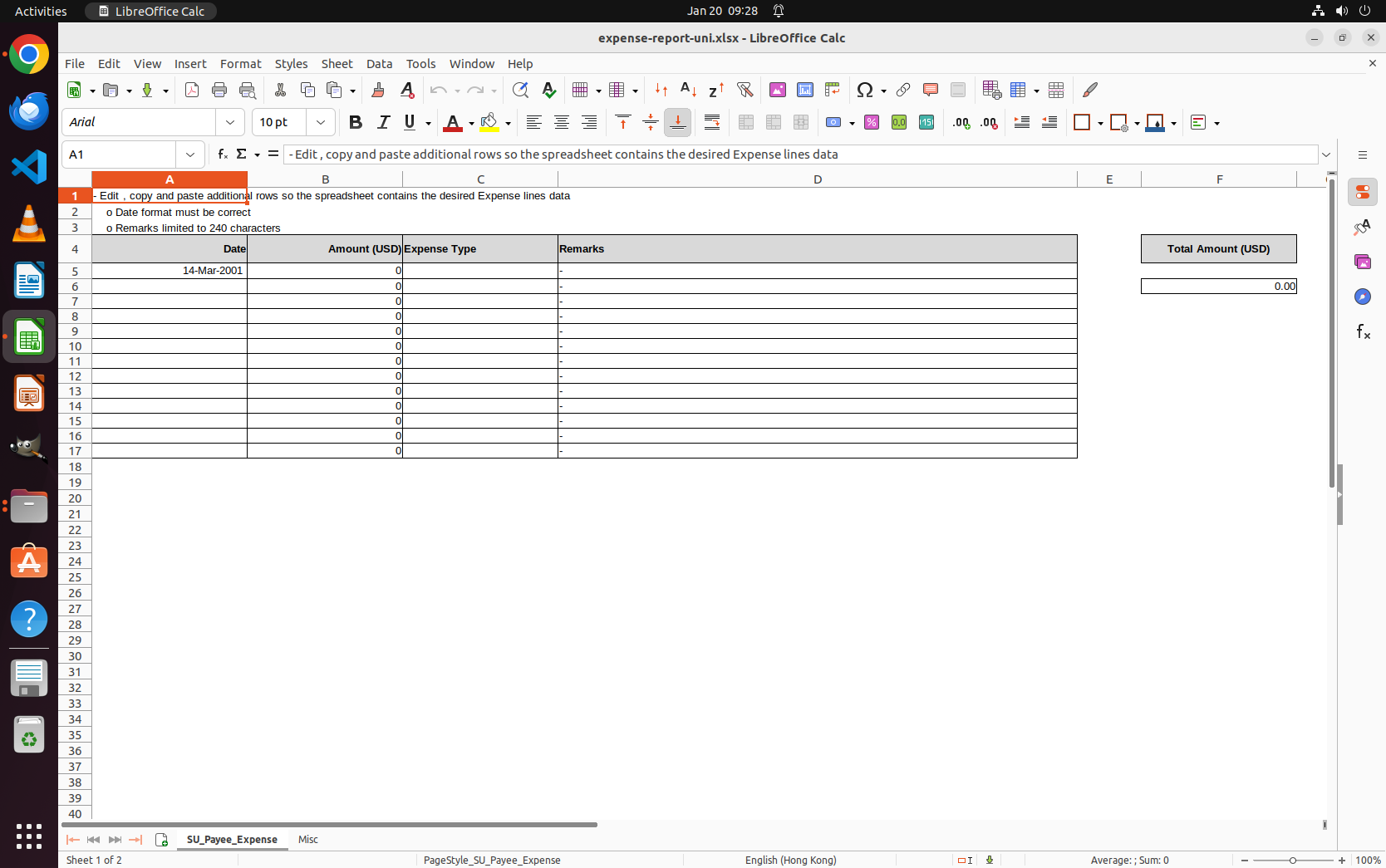
University Expense Spreadsheet Environment
🎯 Synthetic Data Generation Visualization
We visualize the synthetic data generation process.
Synthetic data pipeline.
🗂️ Data Sample Visualization
We visualize the synthetic data generated through our synthetic data generation pipeline.
Image Title
Image description goes here
🔍 Method
We propose Few-shot Condensed Workflow Demonstration (FCWD) to construct a condensed human demonstration from few-shot data by abstracting the workflow into key steps to guide the CUA reasoning.
Teach a CUA the long-horizon, repetitive workflow with a demonstration made with few-shot examples.
✏️ Qualitative Results
We provide the qualitative results of some baseline CUAs on our benchmark. We attach the agents' action prediction on the top right corner of the video.
📐 Quantitative Results
We compare the performance of the agents and human on our benchmark. We evaluate the sub-workflow accuracy (SWA) and success rate (SR) of the agents and human on the Level 1 and 2 tasks within the expense report and transcript domains.
| Agents | Step 50 | Step 100 | Step 150 | Step 200 |
|---|---|---|---|---|
| Website System Environment | ||||
| Human | 30.00% | 70.00% | 95.00% | 95.00% |
| OpenCUA-7B | 0.00% | 0.00% | 0.00% | 0.00% |
| UI-TARS-1.5-7B | 0.00% | 0.00% | 0.00% | 0.00% |
| AgentS2.5 + GPT5 | 0.00% | 5.00% | 5.00% | 5.00% |
| AgentS2.5 + GPT5 w/ FCWD | 12.50% | 30.00% | 37.50% | 37.50% |
| Spreadsheet Environment | ||||
| Human | 35.00% | 77.50% | 97.50% | 97.50% |
| OpenCUA-7B | 0.00% | 0.00% | 0.00% | 0.00% |
| UI-TARS-1.5-7B | 0.00% | 0.00% | 0.00% | 0.00% |
| AgentS2.5 + GPT5 | 0.00% | 5.00% | 12.50% | 12.50% |
| AgentS2.5 + GPT5 w/ FCWD | 5.00% | 20.00% | 25.00% | 25.00% |
| Agents | Step | Sub-Workflow Accuracy | SR |
|---|---|---|---|
| Difficulty Level 1 | |||
| Human | 50 | 75.00% | 50.00% |
| 100 | 100.00% | 100.00% | |
| OpenCUA-7B | 50 | 0.00% | 0.00% |
| 100 | 0.00% | 0.00% | |
| UI-TARS-1.5-7B | 50 | 0.00% | 0.00% |
| 100 | 0.00% | 0.00% | |
| AgentS2.5 + GPT5 | 50 | 19.94% | 0.00% |
| 100 | 27.08% | 25.00% | |
| AgentS2.5 + GPT5 w/ FCWD | 50 | 66.29% | 25.00% |
| 100 | 91.74% | 50.00% | |
| Difficulty Level 2 | |||
| Human | 50 | 27.38% | 0.00% |
| 100 | 53.04% | 25.00% | |
| 150 | 69.18% | 25.00% | |
| 200 | 86.10% | 50.00% | |
| OpenCUA-7B | 50 | 0.00% | 0.00% |
| 100 | 0.00% | 0.00% | |
| 150 | 0.00% | 0.00% | |
| 200 | 0.00% | 0.00% | |
| UI-TARS-1.5-7B | 50 | 0.00% | 0.00% |
| 100 | 0.00% | 0.00% | |
| 150 | 0.00% | 0.00% | |
| 200 | 0.00% | 0.00% | |
| AgentS2.5 + GPT5 | 50 | 5.88% | 0.00% |
| 100 | 17.65% | 0.00% | |
| 150 | 22.06% | 0.00% | |
| 200 | 23.53% | 0.00% | |
| AgentS2.5 + GPT5 w/ FCWD | 50 | 10.61% | 0.00% |
| 100 | 25.08% | 0.00% | |
| 150 | 38.78% | 0.00% | |
| 200 | 42.05% | 0.00% | |
🙏 Acknowledgements
This work was conducted during an internship at Microsoft; we thank Microsoft Research (MSR) and Windows Cloud Experience (WCX) for their support. We also thank the authors of the OSWorld benchmark for their open-source infrastructure, which served as a foundation for this project.
📚 Citation
@article{wu2026OS-Marathon,
        title={OS-Marathon: Benchmarking Computer-Use Agents on Long-Horizon Repetitive Tasks},
        author={Wu, Jing and Barretto, Daphne and Chen, Yiye and Gydé, Nicholas  and Jian, Yanan and He, Yuhang and Vineet, Vibhav},
        journal={arXiv},
        year={2026}
}